Agents
An agent is the AI worker you define. Give it instructions, choose a model, and connect the tools, skills, and memory it needs.
Define what your agent should do and which tools it can use. Run it from the dashboard, CLI, or API, or have it start on a schedule or event. Mobius keeps the work going through failures and human approvals, with budgets and model choice under your control.
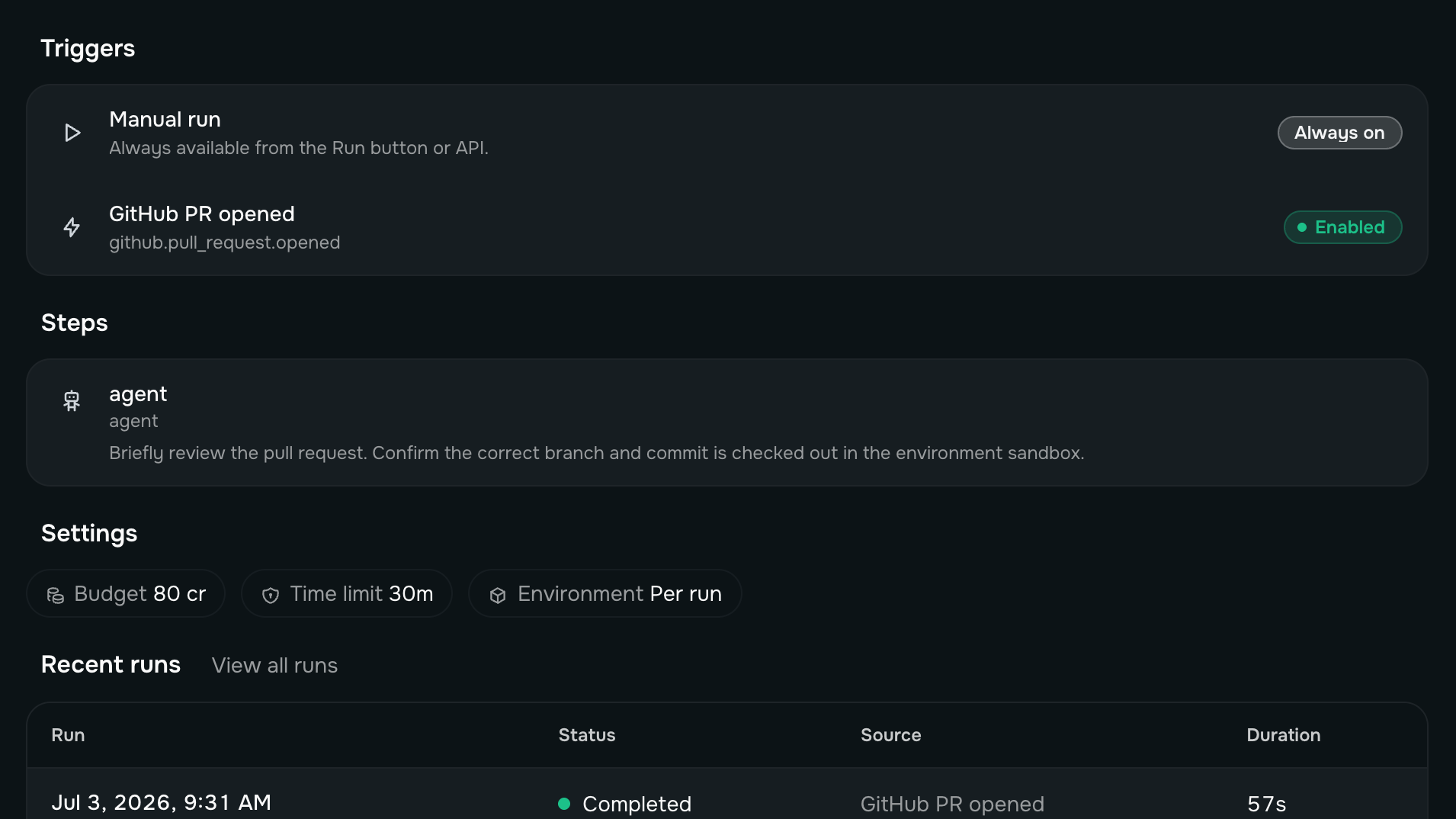
Start with an agent: instructions, a model, and tools. Approve a routine when the same request should repeat. Then choose how the work reaches the agent and where its code and models run.
An agent is the AI worker you define. Give it instructions, choose a model, and connect the tools, skills, and memory it needs.
Ask an agent to repeat something on a schedule, approve the timing and the spending ceilings, and each occurrence comes back to the same conversation. Only a person can approve one.
Give an agent a Slack or Telegram channel and its own email address. A message reaches it wherever the work already happens, and the reply comes back on the same thread.
Connect an MCP server to give your agents tools from another system. They appear alongside Mobius integrations, so the agent can use them the same way.
Start and inspect work from your terminal or CI. Every Mobius API operation is available as a command, and the CLI handles sign-in for you.
$ mobius sessions streamCreate and manage agents, sessions, routines, and actions from your application. Typed Python, TypeScript, and Go clients are generated from the OpenAPI spec.
POST /v1/sessions/{session_id}/turnsSend one message to an agent. Stream the reply on the same request, or get the session and turn IDs first and connect afterward. Retrying the same message resumes the existing turn instead of creating a duplicate.
POST /v1/agents/invokePut a time limit on every agent turn, and a per-occurrence and daily ceiling on every routine. See where the money went and stop runaway work before it becomes a surprise bill.
Use a small Mobius worker to connect agents to Ollama or another model on your own hardware. The model endpoint does not need to be public.
Mobius writes down what an agent is waiting for. If a service restarts, a provider has a temporary failure, or the agent waits for a person, the turn continues instead of starting over.
A turn that is waiting on an event or a person is written down, not held in memory. If the service stops, the turn picks up where it left off when it comes back.
A provider that times out or rate-limits is retried with backoff. A failure that persists ends the turn and stays in the transcript for review.
An agent can wait for an event or ask a person to approve something. The turn releases compute while it waits and resumes when the answer arrives.
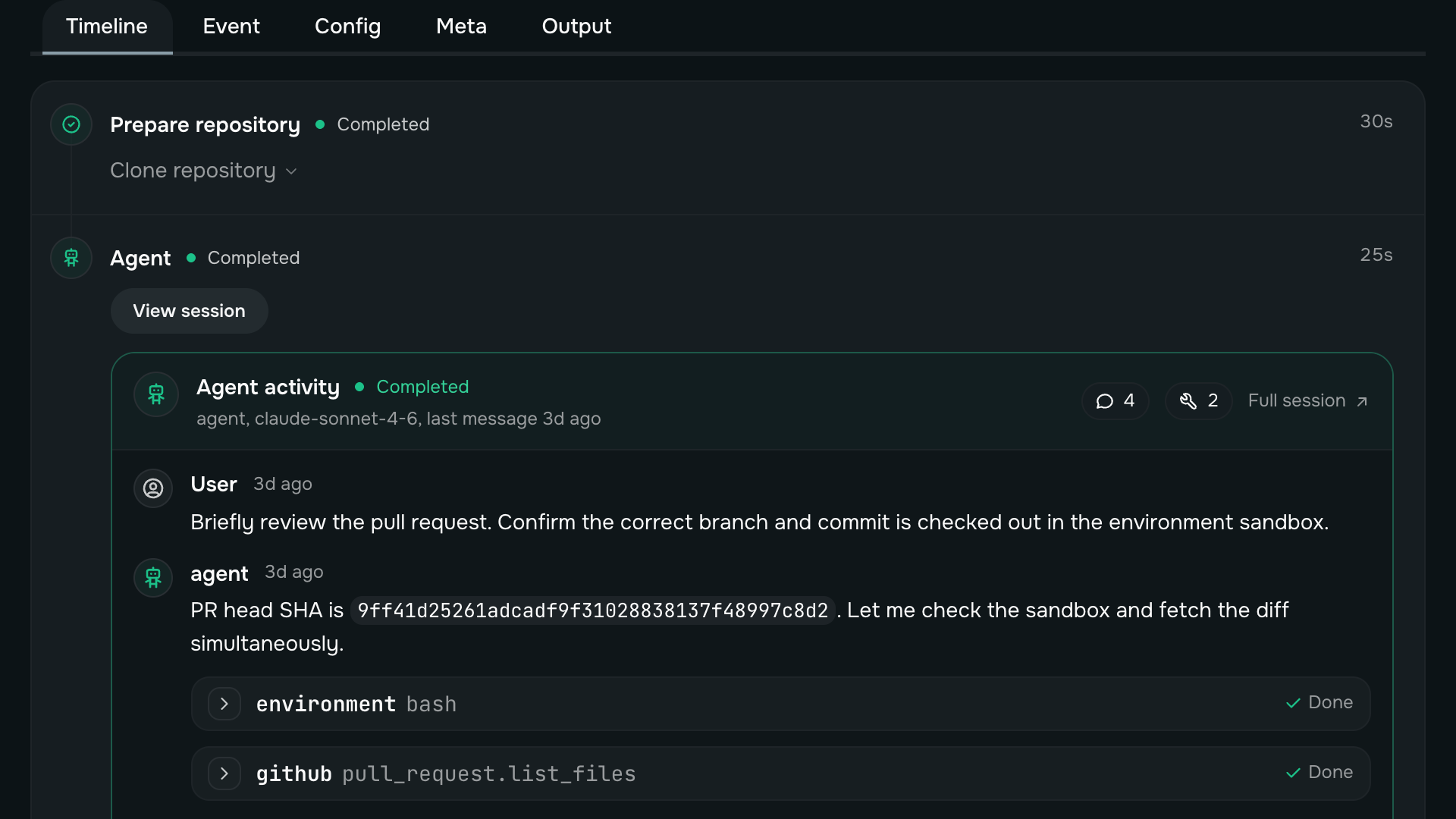
See what was asked, which tools and actions ran, where the agent waited, and which artifacts it produced, both live and afterward.
An action is a specific operation, such as posting a Slack message. Grant it to an agent and let the agent decide when to use it, or call it yourself when there is nothing to decide.
Give the agent the Slack action as a tool. During its work, the agent can decide whether to send a message, choose the content, and use the result in its next decision.
Call the same Slack action yourself, from your code or the CLI, with the values you provide. No model decides anything, and the result comes straight back.
Install a Mobius worker on your own machine or in your cloud. Mobius sends it tool, action, and model requests, which it executes inside your network. The worker connects outward, so you do not expose a new public endpoint.
The worker opens and maintains the connection to Mobius. You do not need to accept inbound traffic or change your firewall.
Run private code and access internal systems on the worker. Mobius receives the result, not direct access to those systems.
Route model calls through the worker to Ollama or another private inference endpoint. The agent can use those models without exposing the endpoint publicly.
You define the agent’s instructions, model, and tools. Mobius handles the production infrastructure around it: reliable execution, memory, budgets, human review, and a complete history of what happened. Those are the parts you would otherwise build and operate yourself.
Start free in minutes, no credit card required. Or follow the docs to define an agent and run it for the first time.